上传文本文件
将拓扑数据导入 Topolograph 最简单的方式:从一台路由器复制链路状态数据库, 然后粘贴(或上传)它。无需代理,无需隧道,不会触碰实际运行中的网络。
这是手动导入方式。
为什么一台路由器就够了
OSPF 和 IS-IS 都是链路状态协议:区域/级别内的每台路由器都保存着该区域数据库的 完全相同的副本。Topolograph 仅凭这一份副本就能重建整个拓扑——因此您只需 从一台设备采集一次即可。
若要查看跨多个区域的网络,请从 ABR(Area Border Router,区域边界路由器) 采集输出:它保存着所连接的所有区域的 LSDB。
1. 采集数据库
运行适用于您平台的 LSA/LSP 数据库命令,并将输出保存为纯文本文件。完整对照表 如下;OSPFv3 和 IS-IS TLV 的详细信息请参阅支持的厂商。
| 厂商 | LSA 1(router) | LSA 2(network) | LSA 5(external) |
|---|---|---|---|
| Cisco | show ip ospf database router |
show ip ospf database network |
show ip ospf database external |
| Cisco NX-OS | show ip ospf database router detail |
show ip ospf database network detail |
show ip ospf database external detail |
| Quagga | show ip ospf database router |
show ip ospf database network |
show ip ospf database external |
| Ruckus | show ip ospf database link-state router |
show ip ospf database link-state network |
show ip ospf database external-link-state |
| Juniper | show ospf database router extensive \| no-more |
show ospf database network extensive \| no-more |
show ospf database external extensive \| no-more |
| Bird | show ospf state all |
show ospf state all |
show ospf state all |
| Nokia | show router ospf database type router detail |
show router ospf database type network detail |
show router ospf database type external detail |
| MikroTik | /routing ospf lsa print detail file=lsa.txt |
/routing ospf lsa print detail file=lsa.txt |
/routing ospf lsa print detail file=lsa.txt |
| Huawei | display ospf lsdb router |
display ospf lsdb network |
display ospf lsdb ase |
| Palo Alto | show routing protocol ospf dumplsdb |
show routing protocol ospf dumplsdb |
show routing protocol ospf dumplsdb |
| Ubiquiti1 | show ip ospf database router |
show ip ospf database network |
show ip ospf database external |
| Allied Telesis | show ip ospf database router |
show ip ospf database network |
show ip ospf database external |
| Extreme | show ospf lsdb detail lstype router |
show ospf lsdb detail lstype network |
show ospf lsdb detail lstype as-external |
| Ericsson | show ospf database router detail |
show ospf database network detail |
show ospf database external detail |
| Fortinet | get router info ospf database router lsa |
get router info ospf database network lsa |
get router info ospf database external lsa |
| FRRouting | show ip ospf database router |
show ip ospf database network |
show ip ospf database external |
| 厂商 | 命令 |
|---|---|
| Arista | show ipv6 ospf database detail |
| 厂商 | 数据库命令 |
|---|---|
| Cisco | show isis database detail |
| Juniper | show isis database extensive |
| Nokia | show router isis database detail |
| Huawei | display isis lsdb verbose |
| ZTE | show isis database verbose |
您可以将 LSA 1 / 2 / 5 部分(OSPF)放入同一个文件——Topolograph 会将它们一并解析。
可选:借助 TE 数据获得更丰富的链路信息
对于 FRRouting OSPF,将 show ip ospf database opaque-area 追加到同一个文件中,
即可包含链路带宽、TE 度量和管理组。没有它,图仍然可以构建。参见
流量工程。
2. 上传它
- 打开 Topolograph(本地安装时为
http://localhost:8080/)。 - 开始一次拓扑上传,并粘贴或附加您的文本文件。
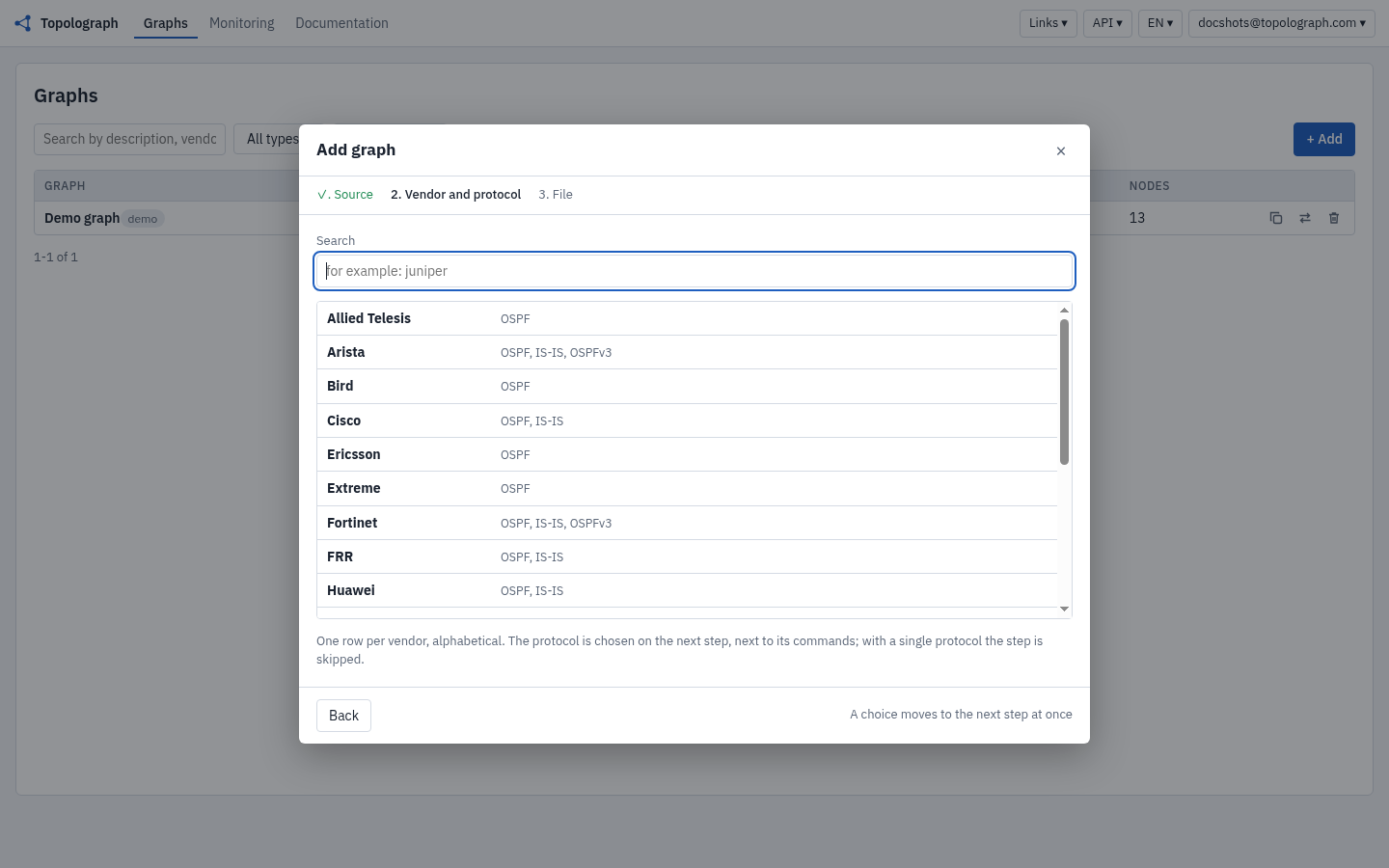
- 选择匹配的厂商和协议(OSPF / IS-IS)。
- 提交。Topolograph 会解析数据库并渲染图。
结果是一个快照——采集时刻网络的一张定格图片。所有分析都是针对该快照运行的, 因此您在这里所做的任何尝试都不会影响生产环境。
3. 随时间比较状态
之后再上传一次新的采集数据,Topolograph 就可以比较这两个快照,精确 高亮显示发生了哪些变化——新增/移除的节点和链路、开销变化,以及出现/消失的 网络。参见比较网络状态。
改用 API 上传
任何您可以粘贴的内容,都可以通过 POST 提交。Python SDK
对此进行了封装——甚至可以通过 SSH 从您的设备采集 LSDB 并一步完成上传: